
- They successfully go through the login with Google flow
- When they return back to Mocha, they are not logged in and are typically presented with the login screen again
The problem
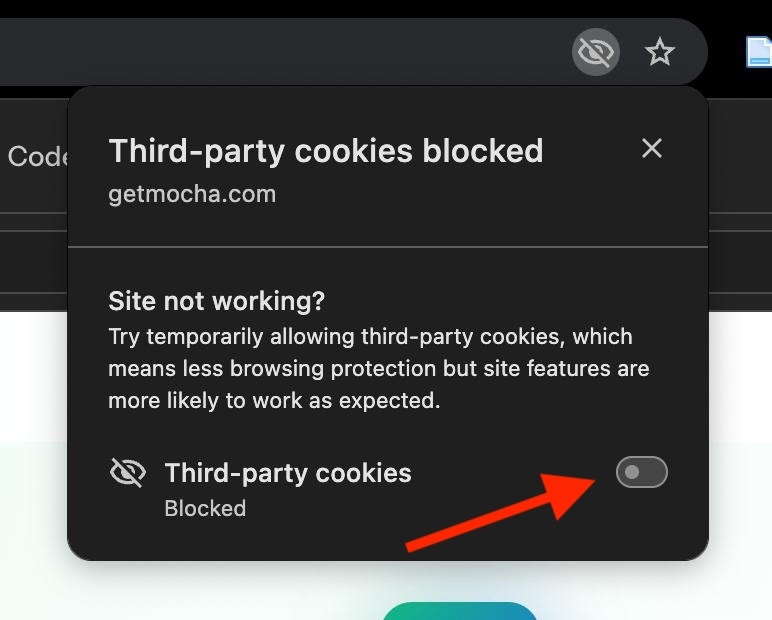
Mocha’s authentication service uses cookies when logging in users. The preview where you interact with the app you’re developing is considered a ‘third party’ by browsers. Browsers block cookies in third-party contexts like the preview for some users. If the cookie is blocked by the browser then it will not be set. If this happens, the app will not consider the user logged in. To determine if this is happening to you, the browser will display a warning informing you third-party cookies have been blocked. For example, in Google Chrome, there is an eye with a slash through it indicating this issue in the URL bar:
Published apps
NOTE: this does NOT affect your app once published. This only affects logins in the preview as the preview is considered a “third-party” context.The solution
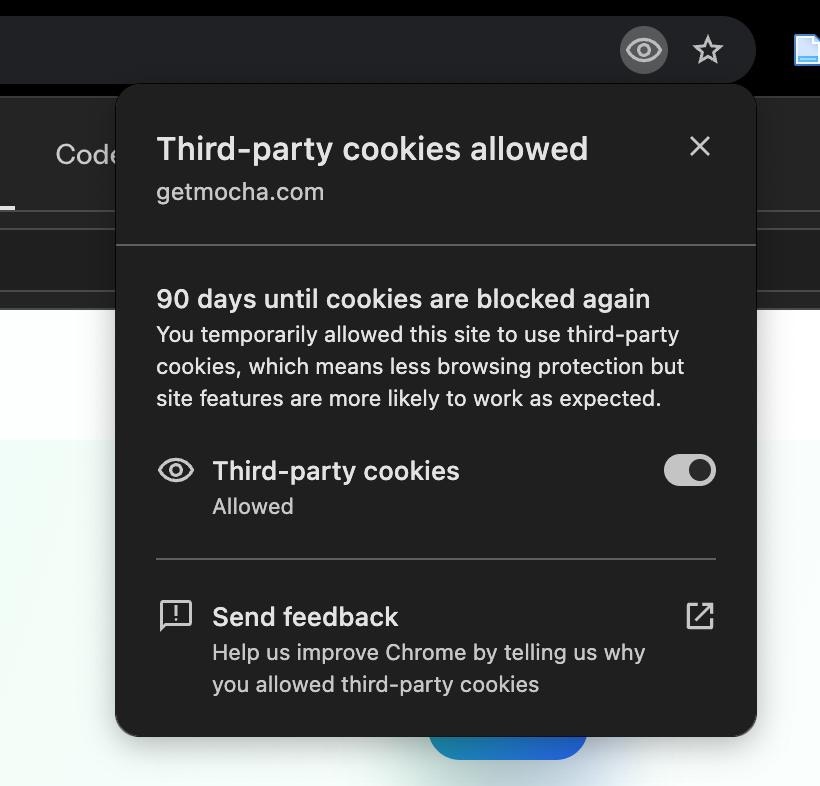
To fix this problem, you’ll need to enable third-party cookies. In Chrome, click on the eye shown in the screen shot above.